I feel like every time I've shared an update here or on fedi that the UI has been overhauled.
It's been one of those projects.
Focus
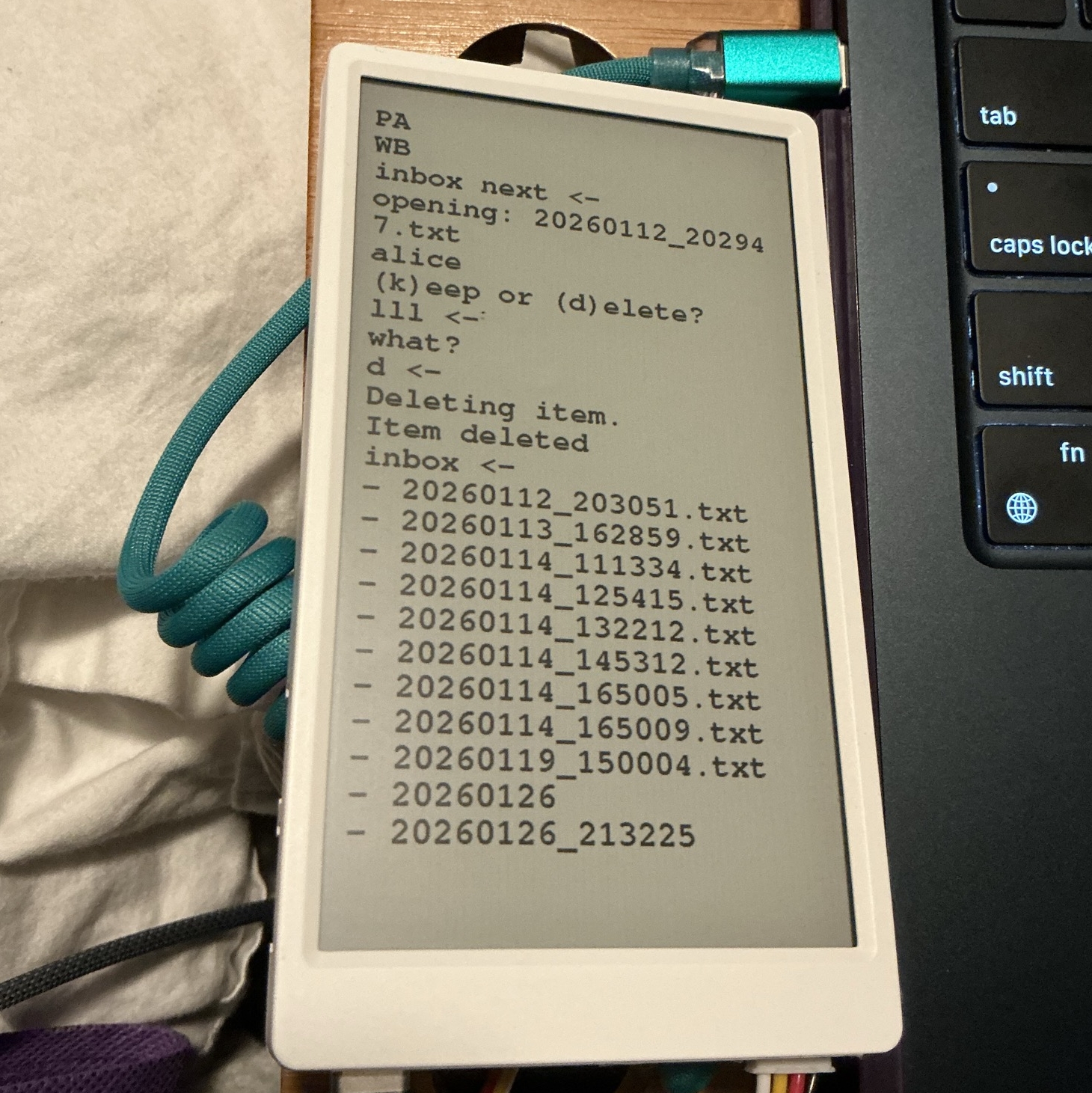
I spent some time braining storming more about how I want to use this daily. I realized I wanted to be able quickly record something for my inbox. The first thing that came to mind was a command prompt. So I took that and ran with it. I decided between that and supporting multiple devices, I figured a command-line style UI would work just fine.
Less
Moving to a text-based UI also solves some of the limitations I was bumping into. Every time I would try to make the GUI look pretty, I would run out of memory and crash. I'm sure there are things I could do better to make the pretty UI work, however, I'm kicking that down the project roadmap for now.
Almost every time I've had to back track on something, I've had to tell myself "No, no. Less."
Working with E-Paper
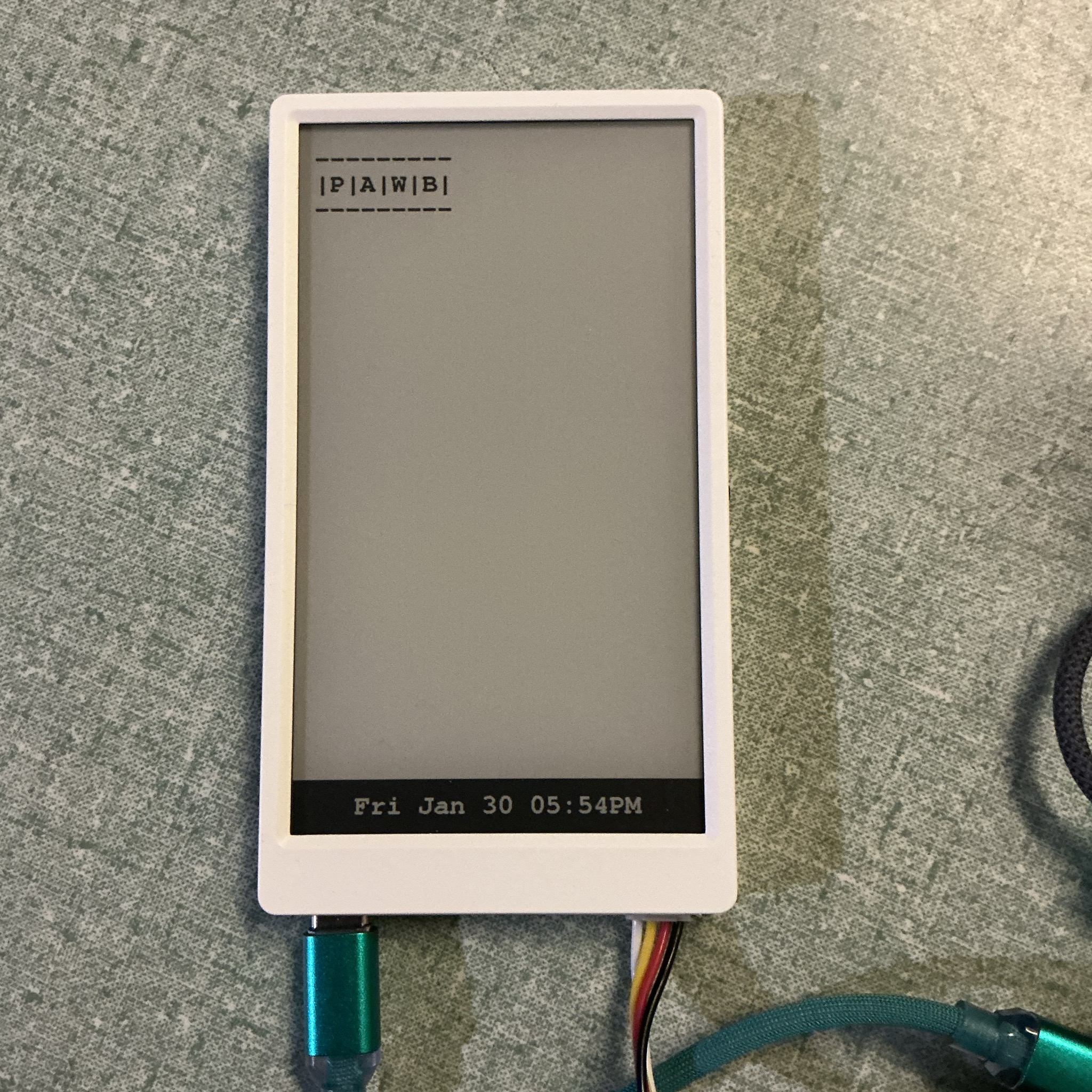
With e-paper display, you are drawing on to a screen in grayscale. You draw on top of what you just drew. The effect is similar to a flip-book animation. To make this look smoother, you can build out what you want to draw in memory using the canvas-sprite in M5GFX. That way in a single smooth motion everything can drawn onto the screen in one go.
So if you're accepting user input from the keyboard and they hit the backspace, how do you erase the last character? You draw on top of what you just drew.
input_buffer.back().pop_back();   // from the last character from the input being collected
MoveCursor(-1,0);                 // Move the cursor backwards 1 character width
PanelPrint( " " );                // Draw a blank space over that character (think whiteout on paper)
MoveCursor(-1,0);                 // Bring the cursor back and then keep going
Fonts
I was so excited to use my favorite font, MonoLisa, but I discovered that the utilities that convert TTF and OTF fonts into VLW (the embedded format supported by the device's graphics library) does not preserve kerning (whitespace around characters). This breaks the easy-math method for handling those backspaces I was just talking about. A fixed-width font means the distance for any move the cursor makes is goign to be a fixed number. If I was using a variable width font, I'd have to pay more attention and I have ADHD.
Here is how I'm sizing the interface based on the device's screen and the font that is loaded.
// Test Sprite to Measure Font Size
panel.createSprite(100,100);    // create a test sprite to draw on
panel.setFont( AppFont );       // change the default font
panel.setCursor(0,0);           // for sanity's sake, let's put the cursor at 0,0
panel.print( "P" );             // Draw a letter
panel.print( "\nW");            // Carriage return and then a second letter
char_w = panel.getCursorX();    // Get the cursor's x and y position now
char_h = panel.getCursorY();    // based on that we know character width and line/character height
panel.deleteSprite();           // trash the sprite, we'll make the real one next
Pointers
I have used pointers before, but I had not used a function pointer before this project. Not overtly and on purpose at least, because clearly by this point I have used a callback before. I just have never built a callback.
I'm using a function pointer to chain together functions as they get called from the main loop.
Application Structure
Arduino projects all have two key parts: setup and loop. First everything you put in setup runs to initialize hardware and software components. Then loop runs until there's a reason to not run anymore. If you exit the loop, the device will soft restart and take you back to setup again and then loop again.
What calls a function from loop for something to happen is up to you. It could be a touch screen event, keyboard in put, checking a sensor for a value, or a call out to another API. Right now because I'm focusing on command-line style interaction, I'm mostly concerned with checking for keyboard input and processing that.
Let's walk through a small example program.
Includes and Definitions
This project is a combination of the ESP32 libraries, Arduino framework, and the M5Stack frameworks.
// From Arduino
#include <SD.h>
#include <sd_defines.h>
#include <sd_diskio.h>
#include <Wire.h>

// From M5STack
#include <M5GFX.h>
#include <M5Unified.h>

// A library I found to enable python-like string manipulation
#include <pystring.h>

static const int CARDKB_ADDR = 0x5F; // I'm using the CardKB
Setup
This is a basic setup function. I initialize the frameworks and the hardware.
void setup()
{
  // put your setup code here, to run once:
  M5.begin(); // M5Unified init function
  Serial.begin(115200); // Start the serial connection for debugging
  Wire.begin(25, 32); // Init connection to M5 CardKB
  // init the SD card
  while( !SD.begin(4, SPI, 25000000) )
  {
    Serial.println( "SD Card not found." );
    // depending how much info you have on the card
    // this could be a big issue
  }
  // Init whatever you are going to use
  Serial.println( "=== setup complete ===" ); // some helpful debugging info
}
Loop
How many times per second loop runs depends on the processor. Fun experiment, create a variable called loop index and incriment it every loop. Watch how quickly is grows.
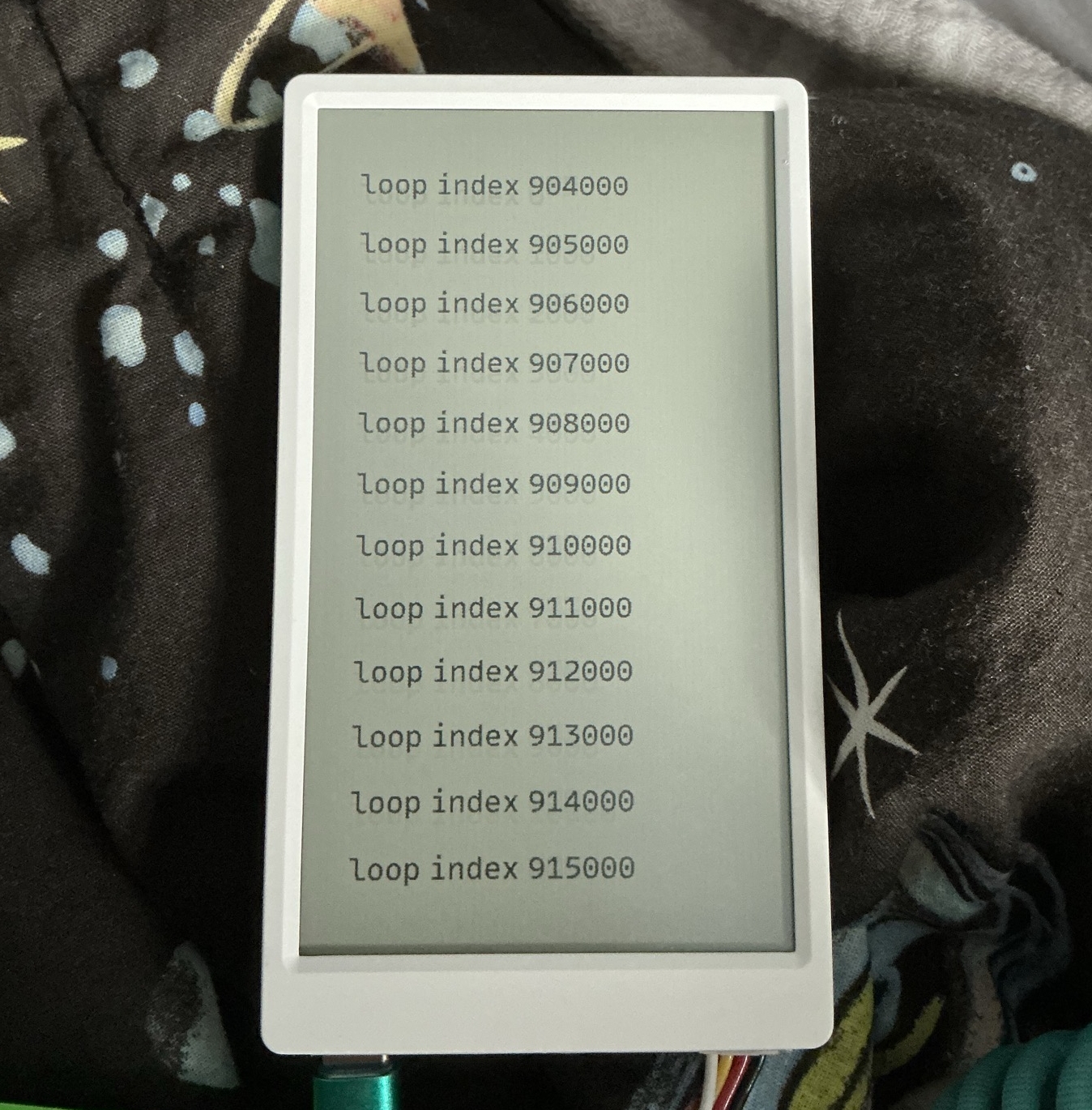
Here's the example loop:
void loop() {
  // put your main code here, to run repeatedly:
  M5.update(); // M5 Unified function to update stuff in the background
  if( M5.Touch.getCount() == 1 ) // check if there is a single tap event
  {
    // how you want to handle it here
  }
  Wire.requestFrom(CARDKB_ADDR, 1);
  while (Wire.available())
  {
    char c = Wire.read();
    if( c > 0  ) // Characters are also number
    {
      // Handle C  :: input_buffer.back() += c;
      if( c > 0 )
      {
        HandleNewCharacter( c ); // figure out how you want to hand that new character
      }
    }
  }
  // continues until it crashes or something
}
Getting commands from the user is collecting each letter typed in until "enter" and then running what was requested. If information was requested, I can print that out and then return right back the prompt. If the command is a multi-step process though, I need a way to chain everything together. That's where the function pointer comes in.
NextAction is the function pointer that I use. If it's null, I assume what has been submitted is a new command from the prompt that needs to be interpreted. If it's set to something, I call what NextAction is pointing at to continue the multiple process. At each step, I declare what the next one should be.
A great snippet to show this would be the clause for the "collect" command.
else if ( command == "collect" )
{
  PanelPrintLn("input: ");   // Prompt the user to type in what's on their mind
  input_on = true;           // this is a flag I'm using to denote not to interrupt the user
  multiline = true;          // This prompt will allow for multi-line input
  NextAction = SaveNewItem;  // Set the NextAction pointer: save input to file
}
Where that pointer gets used is when the user hits the submit key. I've chosen the keyboard combination of function key plus the enter key for "submit."
else if ( letter == 0xA3 ) // fn+enter: is always the submit input command
{
  Serial.println("fn+enter");
  string joined = pystring::join( "\n", input_buffer ); // join in the input with line returns
  input_history.push_back(joined); // I'm keeping track of recent input to later enable undo
  input_buffer.clear(); // clear the buffer
  input_buffer.push_back( "" ); // set up the buffer to use again
  PanelPrintLn(" <- "); // this is the symbol I use to denote end of input
  if( NextAction == NULL ) // If there is no next action:
  {
    ReadCommand(); // treat the submitted input as a prompt command
  }
  else
  {
    NextAction(); // If there is callback action, do that now
  }
}
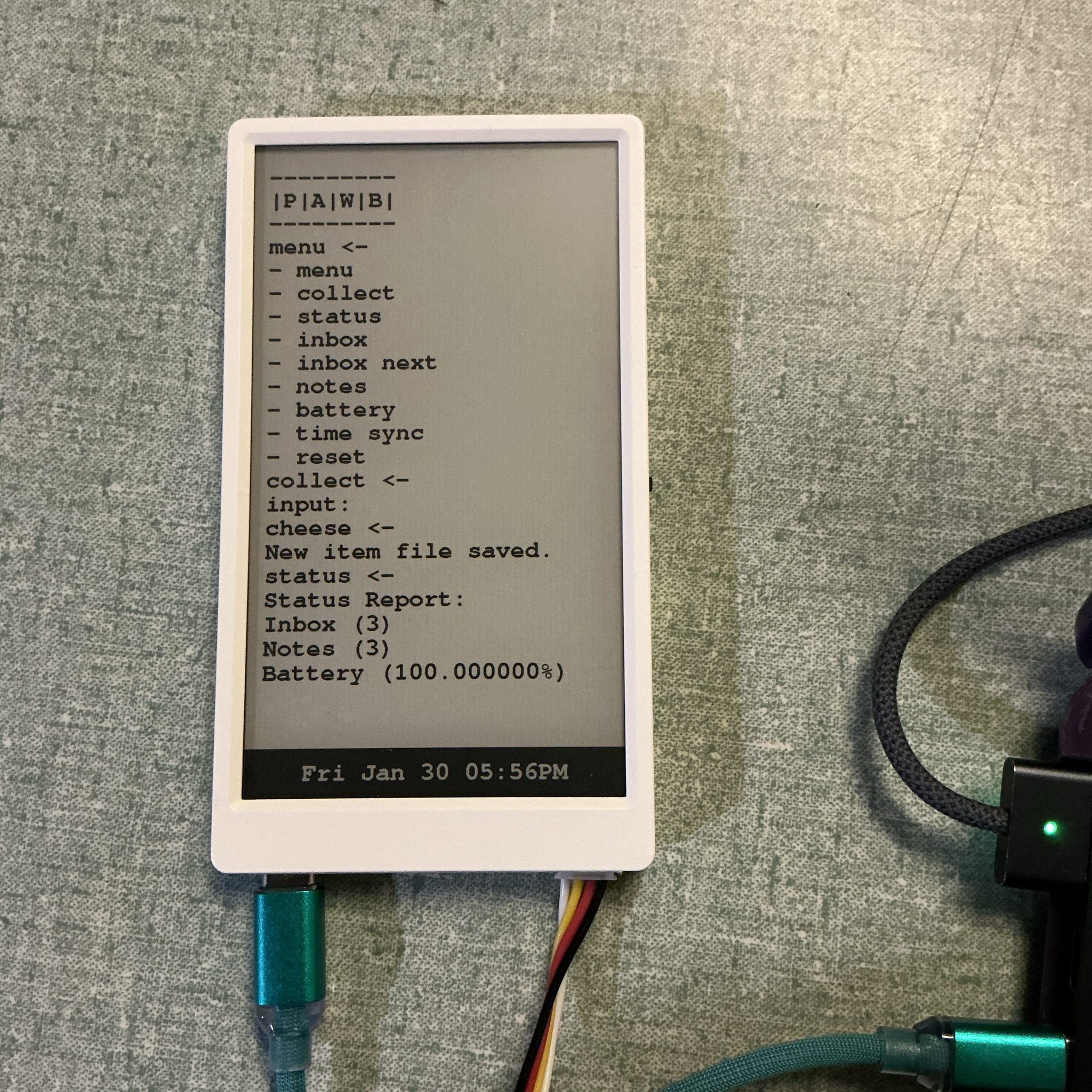
The menu command shows the list of available actions. For collect I input the word cheese and it gets save to a file. Then I ask for a device status report which tells me I have 3 inbox items, 3 note items, and the battery is at 100%; here's a photo of that:
Bye
Thank you for reading. I'm just noob hoping to share my adventures with other potential noobs.
In other exciting news, I am getting new hardware. I'm sure this will involve a lot of cursing. However, I'm very grateful to my fellow hackers.town townie for shipping me a LilyGo T-Deck Pro. I should have in the next few days. I will be writing about that in the update post for February.